How to Add Transition in Capcut
In CapCut, adding transitions enhances your editing skills instantly, be it on Tiktok, Reels, or YouTube Shorts. Transitions serve the purpose of assisting your clips in flowing so they complement one another. In addition, visual interest is added and your content’s professionalism is enhanced.
This brief guide provides a step-by-step process on adding transitions in CapCut, which is ideal for novice and mobile editors
What Are Transitions in CapCut?
Transitions in videos serve as visual effects that are used between two clips or scenes to enhance the flow of the video. CapCut offers a diverse collection of transitions including fade, zoom, glitch, and swipe, among others which can be applied effortlessly with just a few taps.
If you want ready-to-use effects, you can edit less by using our CapCut Templates for Transitions.
Adding Transitions in CapCut Step by Step
To use CapCut to insert a transition in between two video clips, follow these steps:
Import Your Clips
Find The Transition Slot
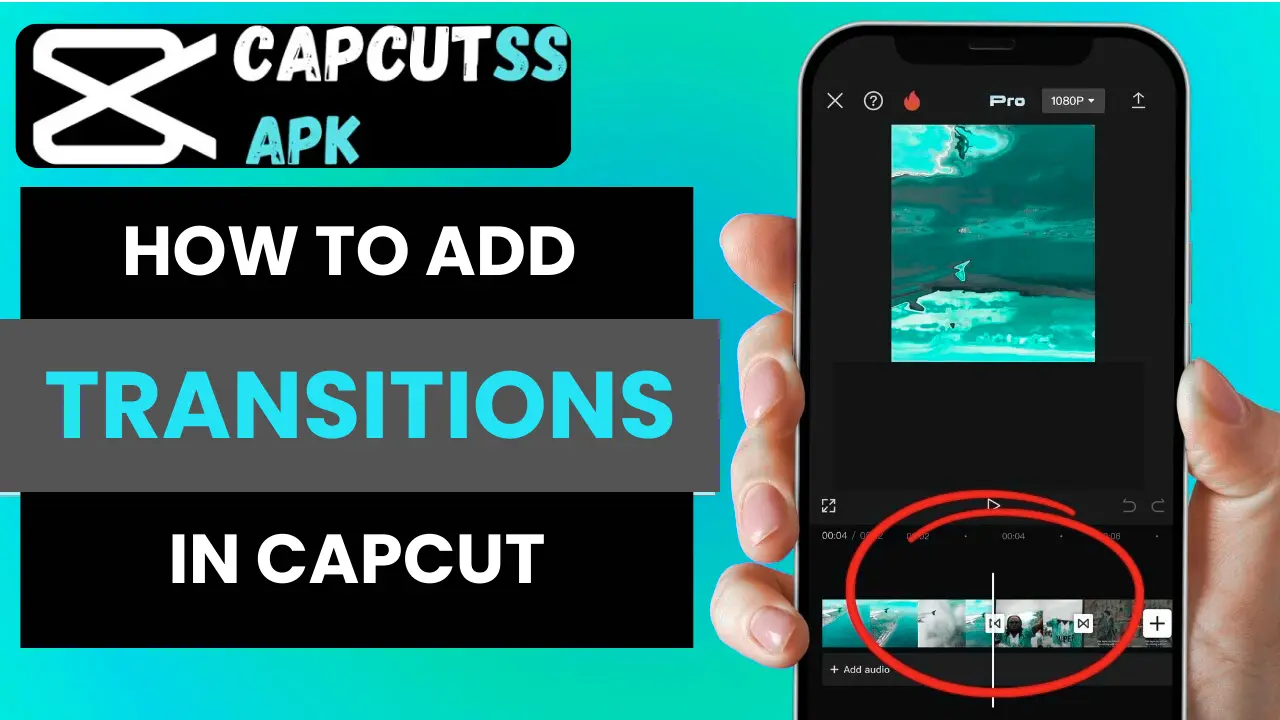
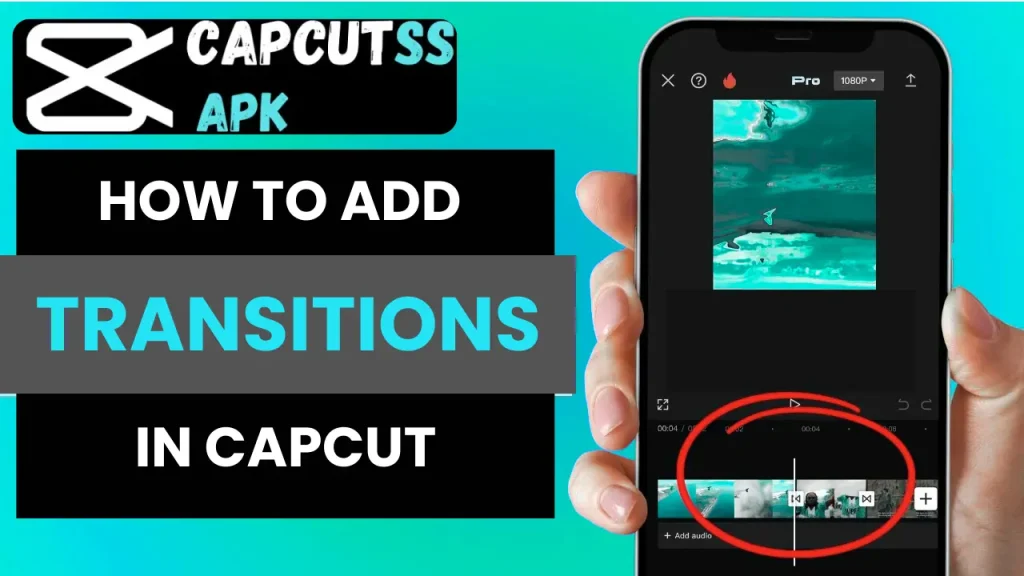
While working on the timeline, you will notice small white boxes with a black line inside them between every two clips. That is where the transitions go.
Click on the boxes to access the transition menu.
Select A Specific Transition Style
Set the Time
Select a transition and set the time you would like it to play to a maximum of 2 seconds. Then click on the checkmark to confirm.
Add to All (Optional)
Would you like to have the same transition on every clip? If yes, just hit “Apply to All” and that’s all
Personalize Using Effects
Add more enhancements by utilizing:
Transitions are added initially, but your video may be further improved by adding layers of visuals. For more detailed self-customization, refer to How to Use CapCut Effects.
Desire to Avoid Manual Adjustments?
For those interested in one-click video generation, browse our trending CapCut template, where all collections come with music-synced transitions and effects.
Why Use Transitions in CapCut?
Conclusion
You can now add transitions in CapCut, so go ahead and give your videos that extra polish they deserve. For a more effortless editing process, make sure to check out our CapCut Templates Collection where various transitions and effects are integrated.